OpenAI adds PIN protection for private AI chats
The new feature allows users to hide specific conversations from chat history, though it does not encrypt data or revoke existing shared links.
By Yasmin Nasser ·
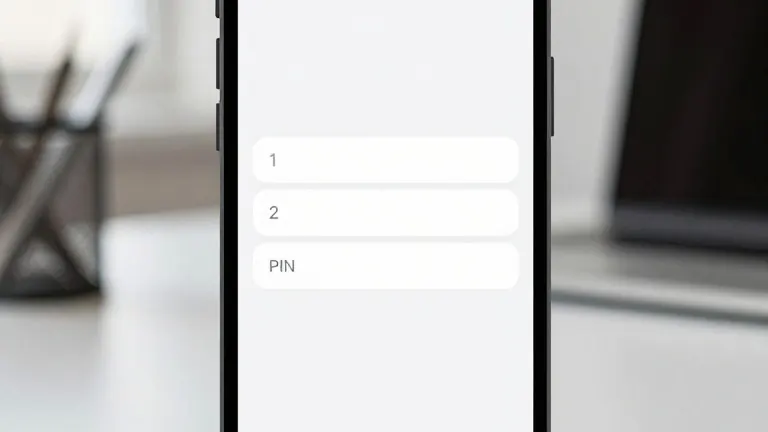
OpenAI has launched a new feature that lets users secure individual ChatGPT conversations with a four-digit PIN. The update, called Locked Chats, provides a way to keep specific dialogues out of sight when sharing a device with a spouse, colleague, or friend. On compatible smartphones, users can also unlock these protected chats using Face ID, Touch ID, or standard device authentication methods.
The feature is currently rolling out gradually to users across all subscription tiers, including Free, Go, Plus, Pro, Business, Enterprise, and Edu. It functions on the web, in the iPhone and Android apps, and in the new desktop applications for Mac and Windows. OpenAI notes that the feature is not available in ChatGPT for Healthcare.
When a user locks a conversation, it moves from the standard history to a dedicated section under Projects. The chat disappears from pinned lists and standard search results. Users can continue the conversation later without returning it to the main history. However, if a user already organizes chats into Projects, locking a conversation removes it from that specific project. The chat loses access to the project's instructions, files, and memory. If the user later unlocks the chat, it returns to the general history rather than its original project.
Privacy experts and the company itself note several limitations to the new tool. Locked Chats do not provide end-to-end encryption, nor do they create a separate encrypted vault. Locking a chat does not change how long OpenAI retains the information, nor does it alter the user's existing settings for model improvement. If a user has previously shared a conversation via a link, locking the chat does not revoke that link. Anyone with the existing link can still access the content until the user deletes the link manually.
Files uploaded within a locked conversation receive the same protection as the chat itself. However, files already stored in ChatGPT's Space or connected services keep their original access permissions. For workplace accounts, organizational retention and compliance policies still apply. Enterprise and Edu administrators cannot unlock a user's chat or reset their PIN, but compliance tools may still access applicable conversation data.
The feature automatically relocks after one minute of inactivity on mobile devices. On the web and desktop, access ends when the page refreshes or the tab closes. Users can also select Lock now to secure the chat immediately. OpenAI advises users to check their screen before handing over a device, as a conversation title may remain visible in the browser tab or on another active device until it refreshes.
To stop new chats from being used for AI training, users must separately turn off the Improve the model for everyone setting. This option is located in the Data controls section of the settings menu. Content from Business, Enterprise, and Edu workspaces is not used for model training by default.